Security advice usually starts with the same instruction: keep everything patched. It is good advice, and it quietly assumes that someone is able to do it, and that someone is watching to make sure it happens.
How equipment drifts out of step
Almost nobody ends up with an exposed device through carelessness. When a building system, a set of sensors or the equipment in a retail outlet is installed, everyone involved is acting in good faith, and the setup is sound for its time. The device is configured sensibly, its vendor supports it, and the people who installed it and the people responsible for security are looking at the same thing.
Then two clocks start running. Security moves on a short, continuous cycle of patches, support windows and firmware versions. Capital equipment moves on a long one: bought once, depreciated over years and replaced when the business case allows, which usually follows a budget cycle. Neither clock is wrong. They simply run at different speeds, so the two slowly drift apart.
Nothing dramatic marks that drift. A vendor ends support for a model. A firmware update is released that nobody hears about. The contractor who set the device up moves on, and so do the priorities of the people who remain. The device carries on doing its job in the background, which is exactly what it was bought to do. What was secure when it was installed gradually stops being secure, and because nobody is deliberately tracking the divergence, it is not on anyone’s radar. The exposure builds through the ordinary passage of time, not through a mistake.
Our team has worked in marine cybersecurity, where this drift is often built in from the start. Vessel systems are frequently designed around a fixed software configuration that cannot safely be changed without affecting everything else on board. When a system cannot be changed, you are limited to security mitigations rather than security fixes. That position is not unique to ships. Plenty of equipment on land is in the same one.
What drift looks like
The equipment involved is everyday: building systems, industrial control systems, sensors, and the devices found across retail outlets. The ways it falls out of step tend to be quiet.
The update that nobody applied, or nobody could. A device does not have to be old to drift. Newer equipment can need a firmware update that nobody knew about, or that nobody was asked to apply. Equipment can also reach the end of its support window while still working perfectly as a machine, so the manufacturer has stopped issuing security updates for something that will keep running for years. Nothing breaks, so nothing prompts anyone to act.
Settings that cannot be changed. Some equipment has credentials or settings fixed into the device, so no amount of diligence can alter them. This is a real but smaller part of the picture, and it is the version most people imagine first.
Defaults that were meant to stay. In our experience in marine cybersecurity, some vendors told customers explicitly not to change the default username and password, because those were the credentials the vendor’s own engineers used to log in for maintenance. The weakness was not neglect. It was a basic security practice broken by design, with the vendor’s approval, on equipment that was otherwise working exactly as intended. Sound maintenance and sound security can pull in opposite directions.
Narrow the gap you can control
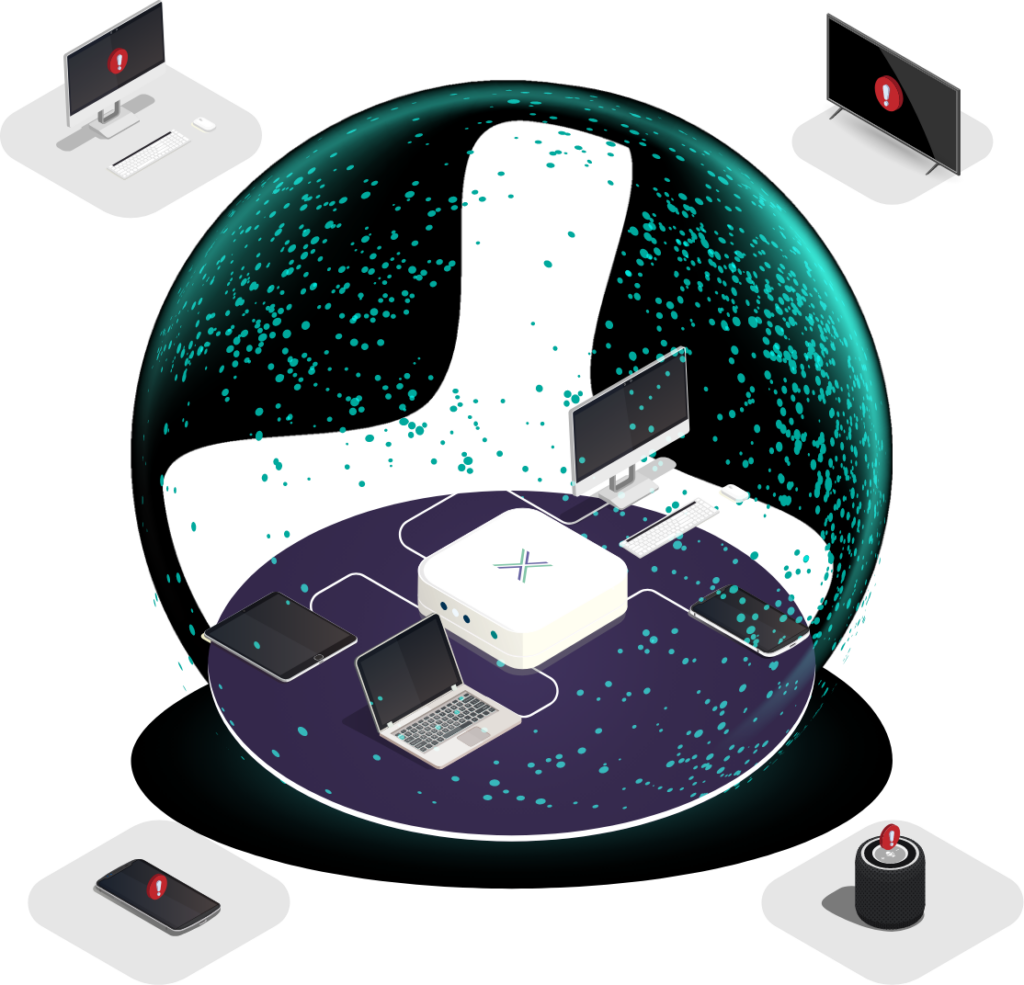
The two cycles will not realign quickly, and replacing equipment ahead of its capital plan is rarely possible. What can change quickly is who is able to reach the device. If the device cannot defend itself, the job moves to the space around it. You cannot reduce the number of weaknesses inside the device, but you can reduce the number of parties who are able to try them.
That points to a short list of practical steps.
- List it. Control starts with a clear inventory: what is connected, what is still supported, which units are known risks waiting on a replacement plan, and who owns the security of each one. The last question is the one drift tends to leave unanswered.
- Take it off the open internet. Direct exposure is the biggest avoidable risk. If a device must be reachable, it should be reachable by a defined set of people through a controlled route, not by anyone who finds the address.
- Separate it. Put it on its own network segment so that a compromised device cannot be used to reach everything else, and a compromised network cannot easily reach the device.
- Treat supplier access as a route in. Maintenance contractors and vendors often hold standing access to equipment, sometimes through shared logins that cannot be changed. Know who has access, and why, and remove it when the work ends.
- Change what can be changed. Where credentials or settings can be altered, alter them at the next maintenance visit rather than waiting for the replacement budget. Where a vendor insists on a default login, ask whether a separate account can be set up for their engineers.
- Plan the replacement anyway. Compensating controls buy time while the capital cycle catches up. They do not turn an end-of-life device into a supported one. Put a security-support end date into the replacement plan next to the financial one, and ask about support windows before the next purchase, so the two clocks are read together.
Be realistic about what is left
A mitigation leaves some risk in place, and one needs to be specific about where; a restricted route in is still a route in. If the person or system holding access is compromised, that access can be used against the device. A vendor’s cloud management service, if the device connects out to one, is another path that controls around the device do not close.
Whilst it will never make you properly secure, moving from “anyone can reach it” to “a small, known set of parties can reach it” is a large reduction in exposure, and for equipment that cannot be fixed it is often the best improvement available. It is worth having while the longer work of bringing security and the capital cycle back into step catches up.