Loxada Verify

Know who you're actually talking to.

When you can't trust a face or a voice, verify the hardware. (Launching Q3 2026)

Loxada Verify confirms, in real time, that the person on the other end of your call is physically connected to a company-issued, company-controlled Loxada device. That’s a verification factor that social engineering. AI-generated voices, deepfaked videos, and stolen credentials cannot replicate.

The problem

Seeing and hearing is no longer believing

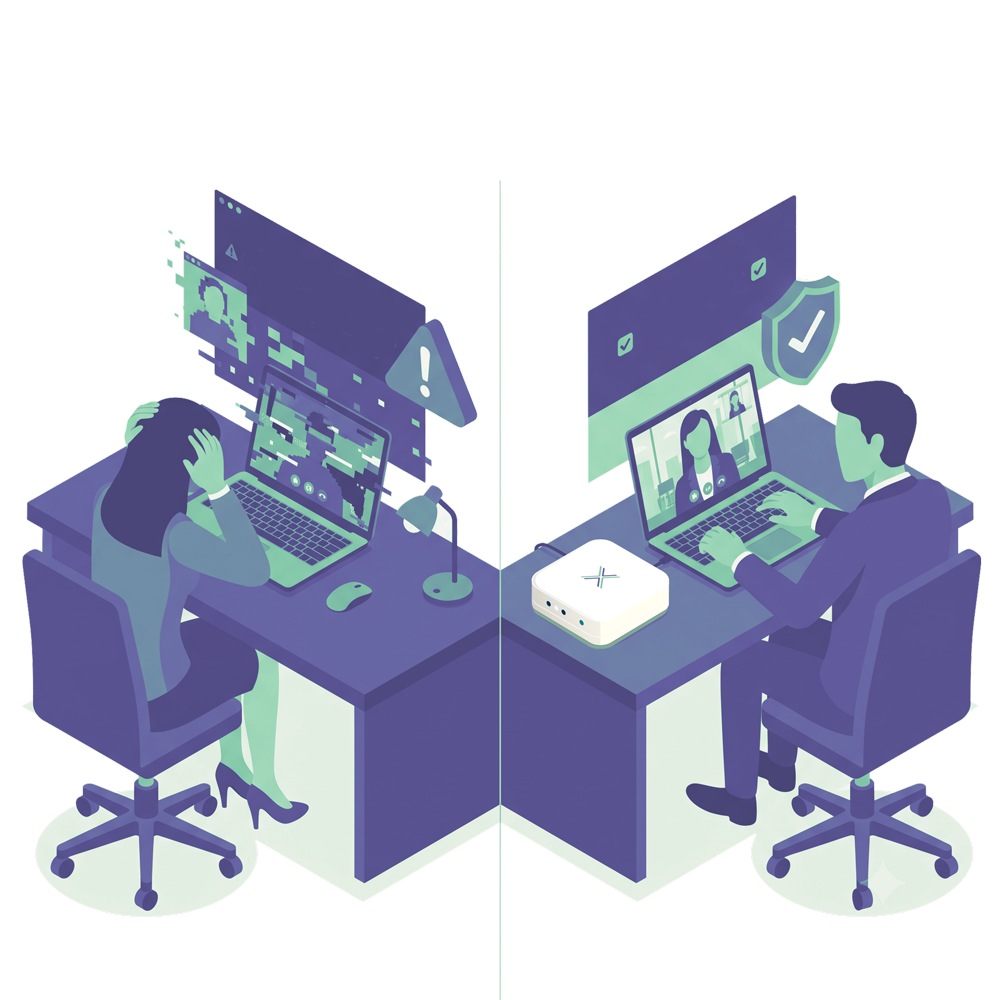
The signals your staff use to trust a request, a familiar face on a call, a recognized voice, have stopped being reliable. Both are now cheap to fake convincingly, and the interactions attackers target with them are the ones that move money or grant access.

A finance clerk joined a video call with the CFO and paid out $25 million

Every other face on the call was a deepfake. In a case disclosed by the engineering firm Arup, an employee in Hong Kong followed payment instructions given on a video call by people who looked and sounded like senior colleagues, the CFO among them. All of them were AI-generated. The money, around $25 million, was gone before anyone realized the call was fake. Reported by Arup and Hong Kong police, 2024.

The problem isn’t that staff are careless. It’s that the thing they’ve always used to verify a person, their own eyes and ears, no longer proves anything.

How it works

Physical presence as a verification factor

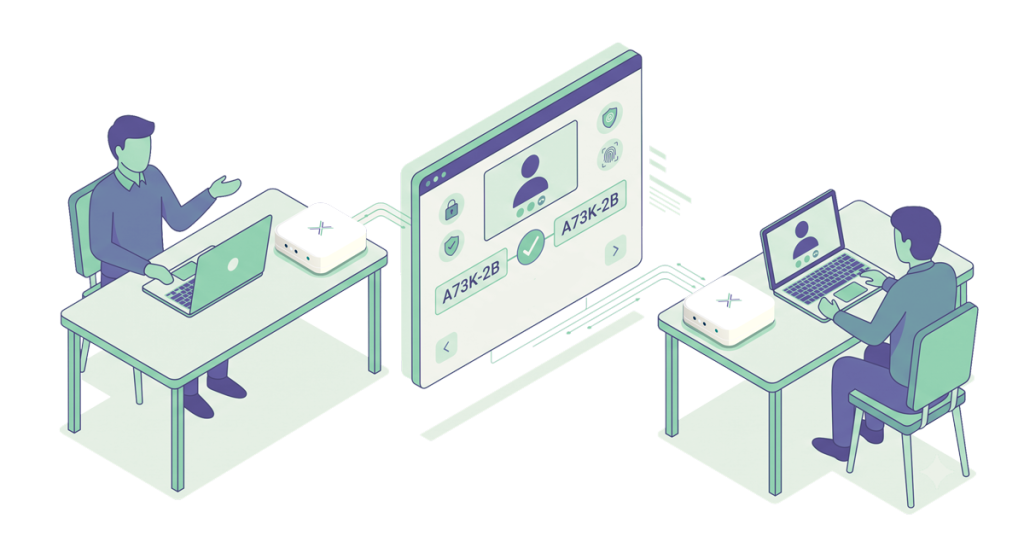
Loxada Verify uses your existing Loxada infrastructure to confirm that both parties on a call are physically connected to company-issued Loxada devices at the time of verification. The flow is simple.

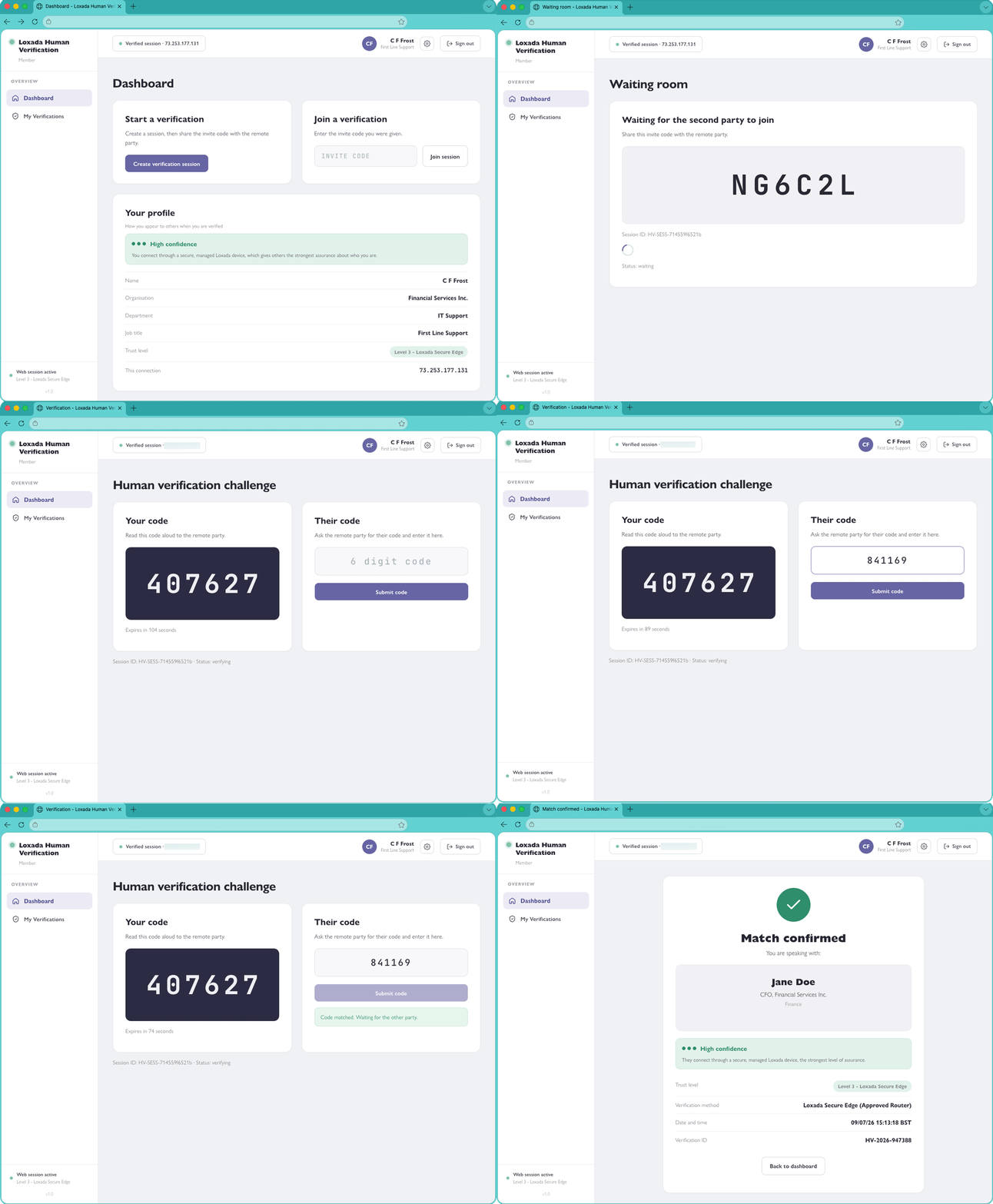
  • Both parties open the Loxada app or Verify portal on their device.
  • Each sees a unique one-time alphanumeric code on screen.
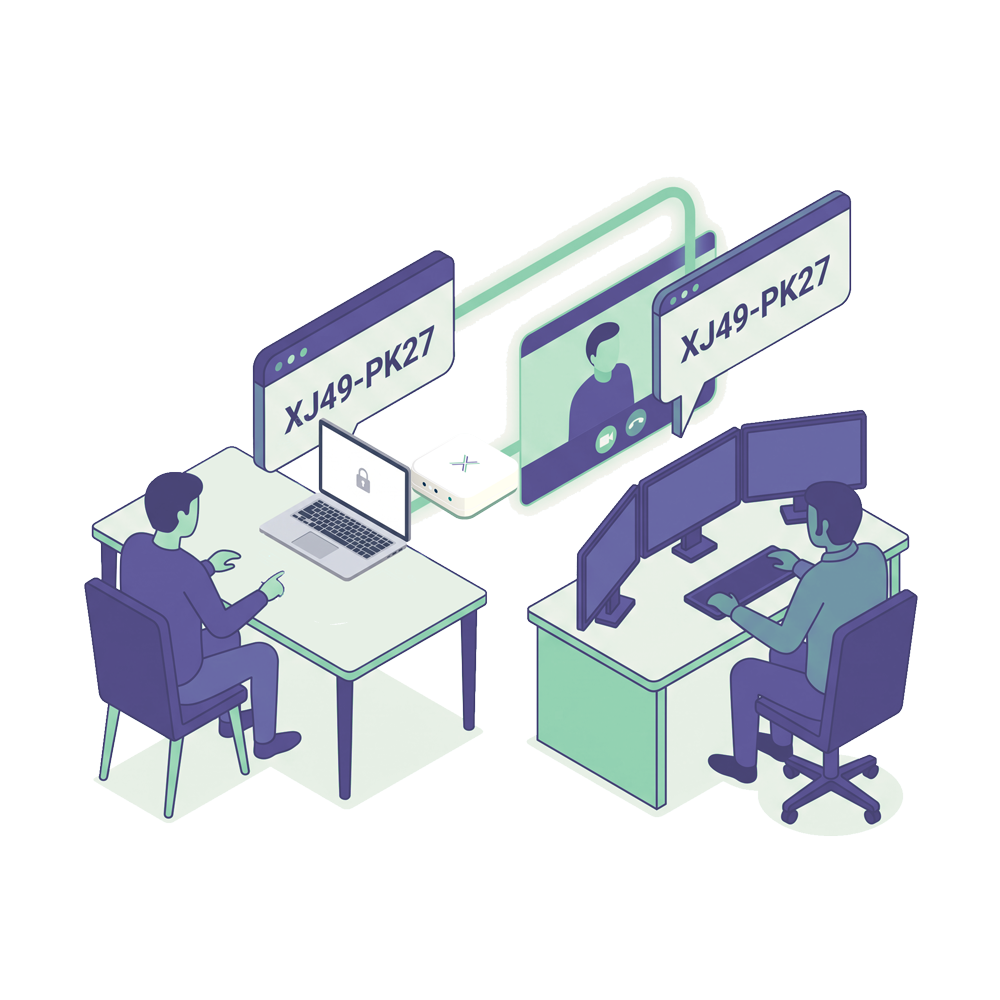
  • User A reads their code to User B and enters the code B gives them. B does the same.
  • If both codes are verified, each party is confirmed as physically connected to a company Loxada device. Each can also see the other’s name and organizational profile.

The exchange takes a few seconds. There is nothing additional to install. No new accounts to create. It runs on the Loxada infrastructure your organization already has in place.

What you get

What Loxada Verify gives you

A hardware-anchored check for the moments that carry real risk. A verification step tied to a physical device, aimed at the interactions where impersonation does the most damage.

Focused on what attackers actually exploit. IT helpdesk identity resets, payment and wire authorizations, and executive instructions given by call.

Built on the platform you may already run. Activated on devices your people already use for Loxada Secure, managed from the same portal.

Where Loxada Verify fits

Use cases where Loxada Verify makes the most difference

  • IT helpdesk calls. Confirm that a caller requesting a credential reset is genuinely connected to a company device before acting on the request. Confirm to staff that the IT contact on the call is genuinely from your IT team.
  • High-value authorizations. Finance teams approving transfers, legal teams receiving instructions, senior staff authorizing system access changes. Any call where the identity of the requester matters and the stakes are high.
  • Executive and board communications. Senior leaders are disproportionately targeted for impersonation attacks. Verify adds a fast, low-friction confirmation step before sensitive decisions are made on a call.

Launching Q3 2026

Register your interest now and be among the first organizations to deploy Loxada Verify.